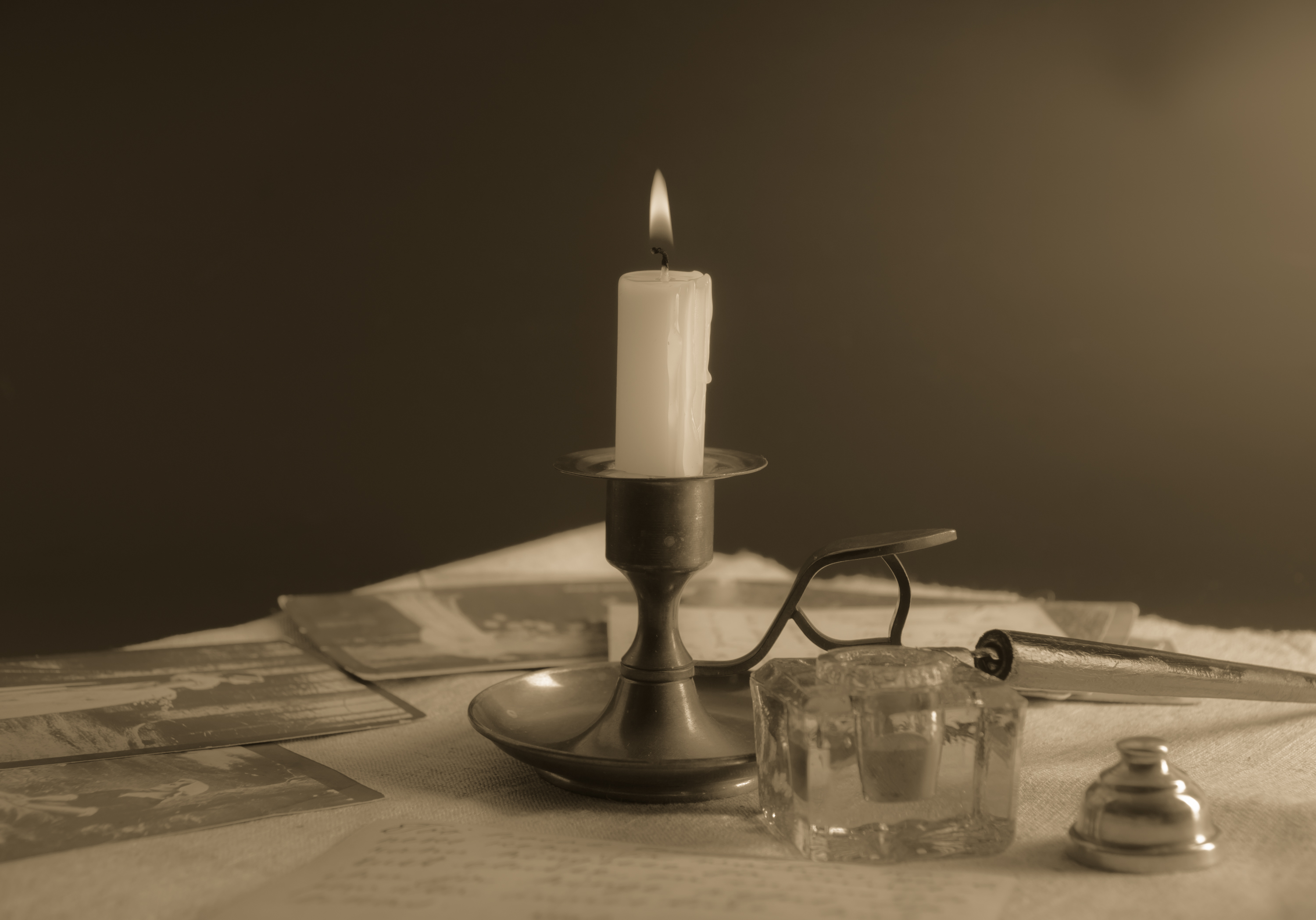
Sometimes material to illustrate web pages and media that you need to use photos. Of course, It is best to use a very rare images, but it is not always possible to find a picture with a story and more open and free.
Because respect for the copyright and property, in this video lesson, share with you a quick way to manage photos in retro style. Old photos may be over 2-4 minutes using Adobe Photoshop Lightroom.
It is a versatile program that allows you to quickly reach the necessary effect us. Old photo you can, using few tools. We can achieve a retro effect for any photo. People, objects and landscapes.


In the tutorial I used the photo last year of the series, He made for the photo. Part of the photographs was accepted, but it takes much time left. Soon I will post some of the photos-can be useful for skrapbukingom interested and suitable for decoration albums and postcards.
Better image processing have a sample of the old photograph. Then you still can accurately achieve the necessary effect. Enter into any bookstore and bump into some old postcards that have in front of you. When you are processing a sample and you will be able to achieve the effect more precise.
Using the video lesson-source, results and video
The original photo in ARW format
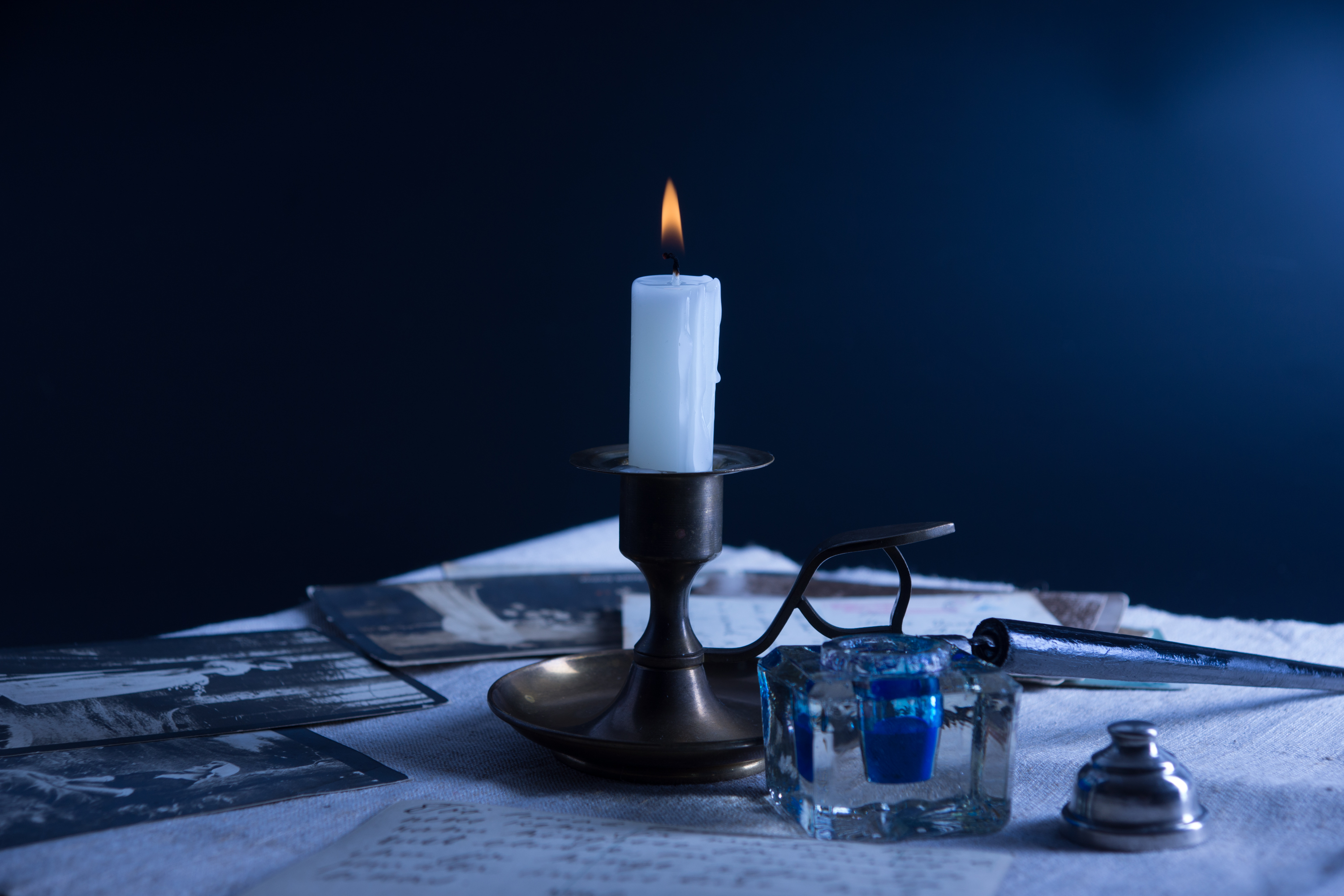
Postprocessing photography in the Lightroom program